
linux:cockpit
Table of Contents
Cockpit + nginx в CentOS 7
Установка
# yum install cockpit -y
# systemctl start cockpit
# systemctl enable cockpit.socket
nginx
Просто следуем инструкции с github
Добавить в файл /etc/cockpit/cockpit.conf
[WebService]
Origins = https://cockpit.domain.tld wss://cockpit.domain.tld
ProtocolHeader = X-Forwarded-Proto
Конечно же не забываем про Let's Encrypt
# yum install certbot python2-certbot-nginx
# certbot certonly --nginx
Конфигурационный файл nginx
server {
    listen         80;
    listen         443 ssl;
    server_name    cockpit.domain.tld;
    ssl_certificate  /etc/letsencrypt/live/cockpit.domain.tld/fullchain.pem;
    ssl_certificate_key /etc/letsencrypt/live/cockpit.domain.tld/privkey.pem;

    location / {
        # Required to proxy the connection to Cockpit
        proxy_pass https://127.0.0.1:9090;
        proxy_set_header Host $host;
        proxy_set_header X-Forwarded-Proto $scheme;

        # Required for web sockets to function
        proxy_http_version 1.1;
        proxy_buffering off;
        proxy_set_header Upgrade $http_upgrade;
        proxy_set_header Connection "upgrade";

        # Pass ETag header from Cockpit to clients.
        # See: https://github.com/cockpit-project/cockpit/issues/5239
        gzip off;
    }
}
Веб-интерфейс
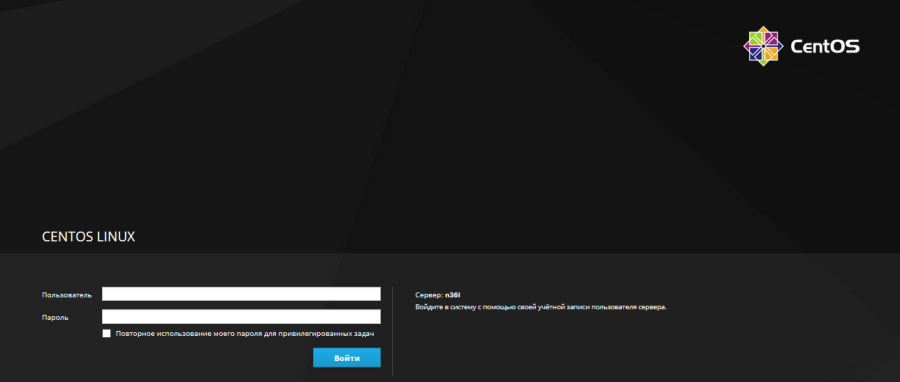
Логон скрин
Фронтпейдж
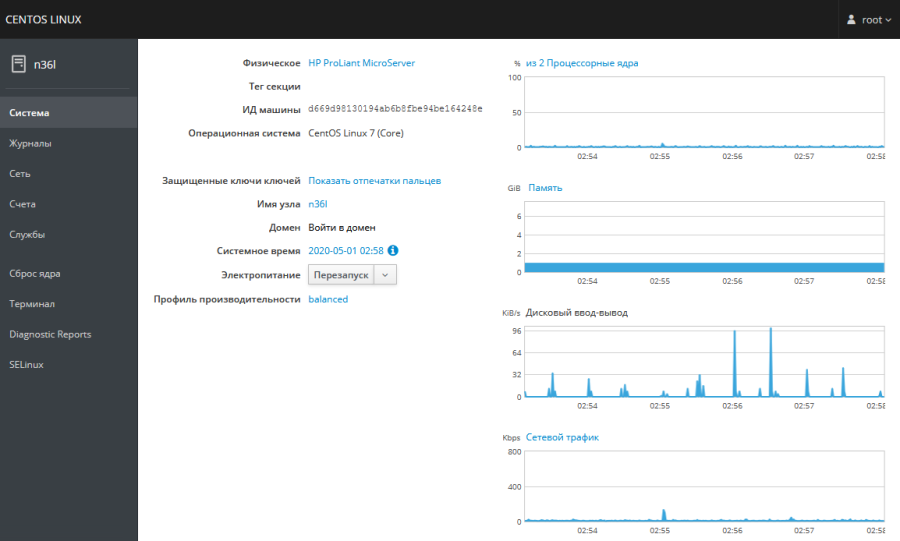
И кривой перевод. Надеюсь этот делал бездушный УбитьВсехЧеловеков.
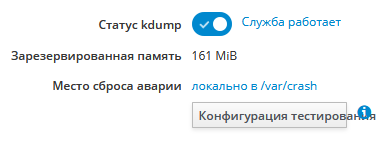
Место аварии
Счета
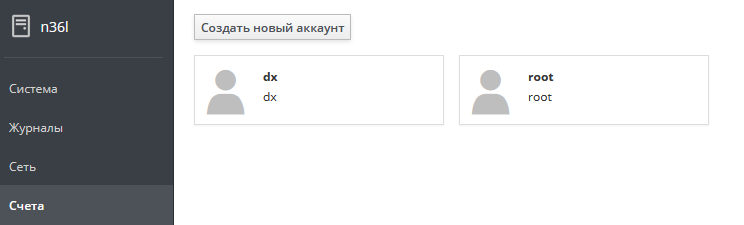
Добавить облигацию
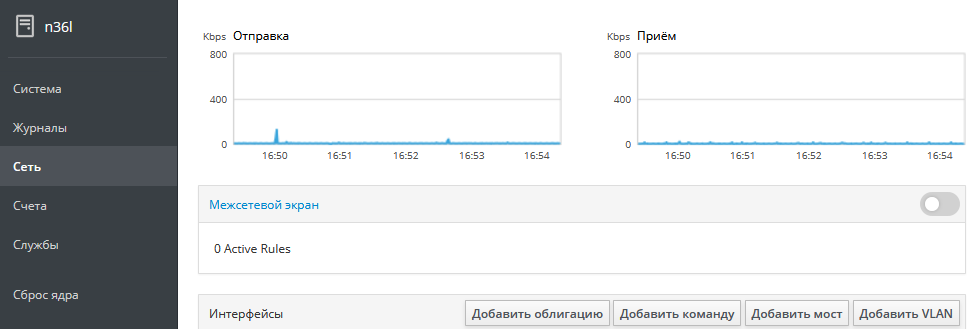
Именно поэтому я предпочитаю в большинстве случаев английский язык для интерфейса программы или устройства.
Без сторонних плагинов Cockpit на фоне Ajenti или Webmin выглядит довольно скромно, и кроме как just for fun юзкейса у меня для него не нашлось.
EOM
linux/cockpit.txt · Last modified: by dx


Discussion